
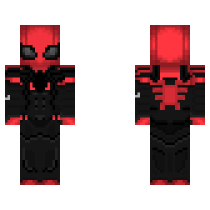
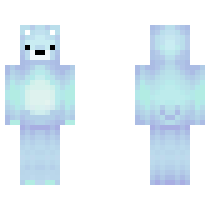
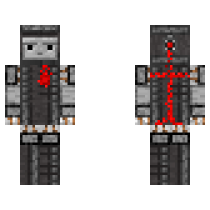
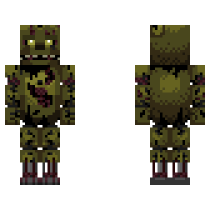
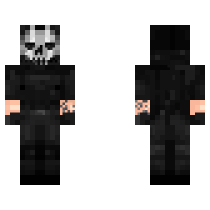
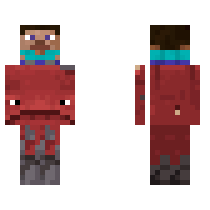
Boy 1

πŸ“₯ 0
πŸ‘οΈ 13
Change Skin

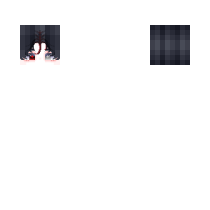
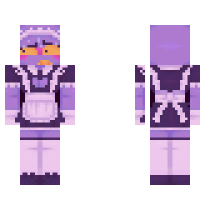
A fun green Creeper-hoodie skin with a bright look, great for players who want a cute and playful style.

Embed Codes
Forum:
HTML:
Copy Image:
Copied!
Boy 1 Boy 1

How to use a Boy 1 in Minecraft

Simple step-by-step instructions for PC (Java) and Pocket Edition (PE). Copy or download the skin file before you start.

PC (Java Edition)

1. Go to the official Minecraft website and log in to your account.

2. Open the menu for Minecraft Java Edition and click Change Skin.

3. Click Select File and upload the Boy 1 file you downloaded.

Pocket Edition (PE)

1. Open Minecraft on your phone or tablet.

2. Tap Dressing Room on the main screen.

3. Go to Edit Character β†’ Owned Skins β†’ Choose New Skin and upload the Boy 1 file.

Comments

No comments yet. Be the first to comment!