


PC (Java Edition)
1. Go to the official Minecraft website and log in to your account.
2. Open the menu for Minecraft Java Edition and click
Change Skin.
3. Click Select File and upload the Simon “Ghost” Riley file you
downloaded.

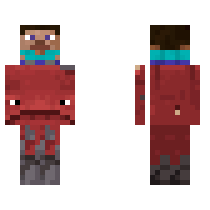
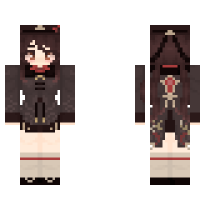
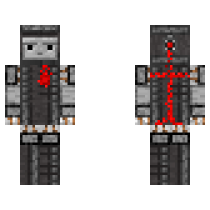
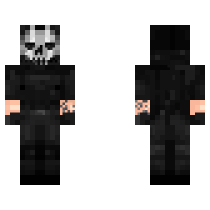
A realistic Ghost-inspired Minecraft skin with tactical details. Perfect for players who love military-style characters.

Simple step-by-step instructions for PC (Java) and Pocket Edition (PE). Copy or download the skin file before you start.
1. Go to the official Minecraft website and log in to your account.
2. Open the menu for Minecraft Java Edition and click
Change Skin.
3. Click Select File and upload the Simon “Ghost” Riley file you
downloaded.
1. Open Minecraft on your phone or tablet.
2. Tap Dressing Room on the main screen.
3. Go to Edit Character → Owned Skins → Choose New Skin and upload
the Simon “Ghost” Riley file.
Comments
Please login to post a comment.
No comments yet. Be the first to comment!