
Minecraft Circle Generator
🎮 Minecraft Circle Generator 🎮
Click a block to mark it as placed
Ready.
🧱 Builder Mode
Step through every block in build order, or click blocks on the grid to mark them as placed.
3D View (beta)
Drag to rotate. Only the visible surface is drawn.
📊 Block Count
Blocks per layer
📍 Coordinates and Commands
Block coordinates (X Y Z)
setblock commands
Build perfect pixel circles, ovals, spheres and domes!
Shape
Size
Style
Spiral Staircase
Each layer is one step. Layer 1 is the lowest step. Top of the grid is north.
Layer
Look
Block colours are approximate. Exports use the real block names.
Build Origin
Start Y is the lowest layer. Leave 0 / 64 / 0 for a generic layout.
Export
The .schem file is a WorldEdit (Sponge v2) schematic written for Minecraft 1.20.1 block names. Settings save in your browser automatically.
Common Circle Sizes
Diameter – Good for
5 | Wells, fence caps, small details |
7 | Small towers and compact rooms |
9 | Watchtowers, ponds, small roofs |
11 | Medium towers, wizard huts, a stair column in the middle |
15 | Tower floors, arenas, round rooms |
21 | Large towers, domes, base rooms |
31 | Plazas, stadium corners, monuments |
41+ | Mega bases and big arenas. Use Builder Mode or export a PNG and work in sections |
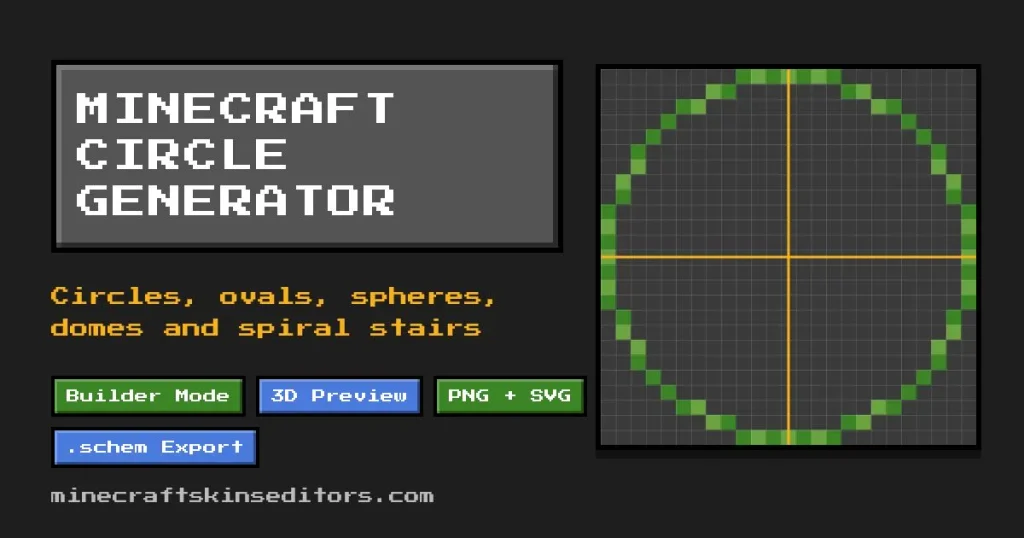
How to Use the Minecraft Circle Generator
- Pick a shape: Circle, Ellipse, Sphere, Dome, Cylinder or Stairs.
- Set the size with the number box, the slider or a preset button.
- Choose Outline for walls and rims, Filled for floors and platforms, or Thick outline for walls that are more than one block wide.
- For sphere, dome, cylinder and stairs, move through the layers from the bottom up.
- Turn on Builder Mode to follow each block in order, or click blocks to mark them as placed.
- Enter your build coordinates, then copy the block list or setblock commands, or download a PNG, SVG, JSON, CSV or .schem file.
Everything runs in your browser. Nothing is uploaded and no account is needed. Your last settings are saved on this device.
Plan Your Minecraft Build Before Placing Blocks
Planning a big build? Start with the layer view. Pick a shape, set the diameter, then step through each layer to see exactly where every block goes. Check the block count before you gather materials, and use the radius and circumference values to plan walls, rails or paths around the edge. When the shape looks right, export it as a PNG, SVG, JSON, CSV or .schem file, or copy the share link so you can come back to the same design later.
What Each Shape Is For
- Circle: round floors, wells, lighthouses, fountains and arenas.
- Ellipse: stadiums, pools, long halls and race tracks. Set width and height separately.
- Sphere: planets, orbs and balloons, built one horizontal slice at a time.
- Dome: the top half of a sphere for roofs, greenhouses and observatories.
- Cylinder: towers, silos and pillars. A circle stacked to the height you choose.
- Stairs: a spiral staircase plan with inner radius, steps per turn, height, direction and an optional centre column.
- Arc and cut-out: use Arc for arches and half circles, and Cut a circle inside for rings and donuts.
Minecraft Circle Generator FAQ
How do you make a circle in Minecraft?
Minecraft is built on square blocks, so a circle is a pixel pattern that looks round from a distance. Pick a diameter here and place the blocks shown in the grid. Layer by layer for 3D shapes.
Why do small circles look like diamonds?
Very small grids cannot show a curve. Try a diameter of 9 or more for a rounder look, and 15 or more for a smooth outline.
Odd or even diameter?
An odd diameter has one centre block, which is easier for towers, stairs and beacons. An even diameter has a 2 x 2 centre, so the centre lines fall between blocks.
How are the blocks chosen?
A block is part of the shape when its centre is inside the ellipse. Outline mode keeps the blocks on the edge of that shape. This counts the exact blocks shown on the grid. Other generators can use a slightly different rule, so their layouts may differ by a block or two.
Does it work for Java and Bedrock?
Yes. The block layouts are the same in both editions. The setblock commands and the .schem file are for Java Edition tools such as WorldEdit. Bedrock players can build from the grid, the coordinates or the PNG.
How do I make a semicircle or an arch?
Choose Circle or Ellipse, then set Arc to Top half or another option. Only the arc is shown, so you can build a half circle, an arch or a single quarter.
Can I use it on my phone?
Yes. The grid scrolls with your finger, you can zoom in and out, and every control works with touch.